WithVision
Real-World Capture?
Ready For VFX
WITH makes capturing the real world effortless for visual effects.
Input video, get fully navigable 3D scenes — no scanning, no lidar, no cleanup.



Transform video into ready-to-use 3D environments.
Plan, relight, and recreate your shots.
all before the shoot begins.
Why Choose..
WithVision
?
Benefits designed to provide a seamless, secure, and accessible experience for all users.
Turn Video Into 3D
Upload a clip. Get a 3D scene. No lidar, no manual modeling, just one video.
Turn Video Into 3D
Upload a clip. Get a 3D scene. No lidar, no manual modeling, just one video.
Turn Video Into 3D
Upload a clip. Get a 3D scene. No lidar, no manual modeling, just one video.
Test Lighting Before You Shoot
Try different lighting setups on your scene. Relight environments virtually to guide real-world lighting.
Test Lighting Before You Shoot
Try different lighting setups on your scene. Relight environments virtually to guide real-world lighting.
Test Lighting Before You Shoot
Try different lighting setups on your scene. Relight environments virtually to guide real-world lighting.
Keep Every Camera Move
WITH remembers where the camera was. Use it to plan reshoots, align CG, or match movement perfectly.
Keep Every Camera Move
WITH remembers where the camera was. Use it to plan reshoots, align CG, or match movement perfectly.
Keep Every Camera Move
WITH remembers where the camera was. Use it to plan reshoots, align CG, or match movement perfectly.
Reconstruct Large Scenes With Confidence
From small interiors to city blocks. WITH handles it smoothly and stably.
Reconstruct Large Scenes With Confidence
From small interiors to city blocks. WITH handles it smoothly and stably.
Reconstruct Large Scenes With Confidence
From small interiors to city blocks. WITH handles it smoothly and stably.
Ease of Use
Boot & View — Instantly
Boot & View — Instantly
Launch both the 3D/4D viewer and renderer instantly
— no setup required.
Simply open localhost and everything is ready to go.
Launch both the 3D/4D viewer and renderer instantly
— no setup required.
Simply open localhost and everything is ready to go.
NoSetup
InstantAccess
Performance
Ultra-Fast 4D Gaussian Splatting
Ultra-Fast 4D Gaussian Splatting
Experience lightning-fast rendering with built-in memory optimization. Fully supports 4D data for dynamic and interactive visualization.
Experience lightning-fast rendering with built-in memory optimization. Fully supports 4D data for dynamic and interactive visualization.
4DRendering
HighPerformance
MemoryOptimized
Project Management
Seamless Project Loading
Seamless Project Loading
Seamless Project Loading
Easily import your project and explore it right away in the viewer.
No complex configuration — just load and visualize.
Easily import your project and explore it right away in the viewer.
No complex configuration — just load and visualize.
Easily import your project and explore it right away in the viewer.
No complex configuration — just load and visualize.
QuickLoad
ProjectViewer
StreamlinedUX
How It Works
How It Works
A simple, fast, and secure platform to manage your cryptocurrencies in just a few steps.
A simple, fast, and secure platform to manage your cryptocurrencies in just a few steps.
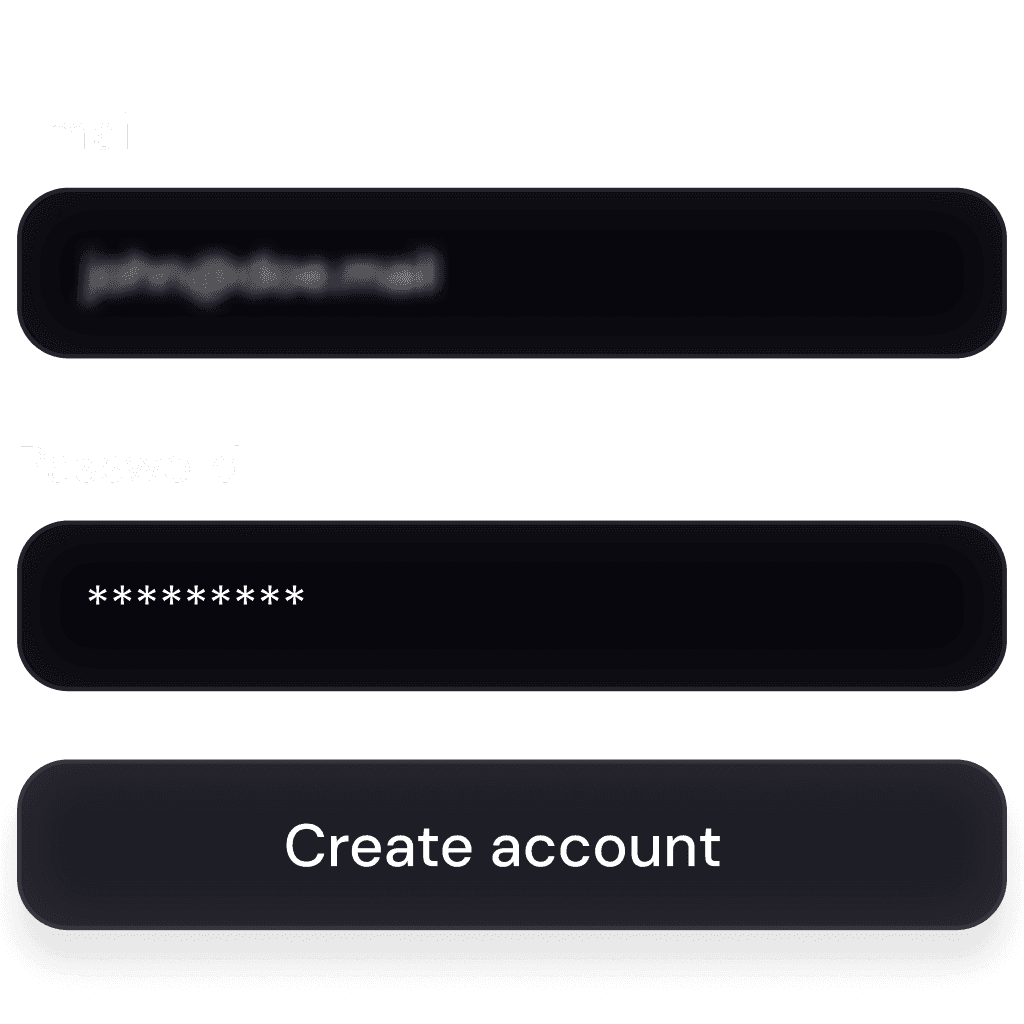
1
Install WITH
Download the installer for your system. Mac, Windows, and Linux are supported out of the box.
1
Install WITH
Download the installer for your system. Mac, Windows, and Linux are supported out of the box.
1
Install WITH
Download the installer for your system. Mac, Windows, and Linux are supported out of the box.

2
Launch Locally with Docker
Spin up WITH on your machine using Docker. Just one command — no backend setup or cloud wait times.
2
Launch Locally with Docker
Spin up WITH on your machine using Docker. Just one command — no backend setup or cloud wait times.
2
Launch Locally with Docker
Spin up WITH on your machine using Docker. Just one command — no backend setup or cloud wait times.
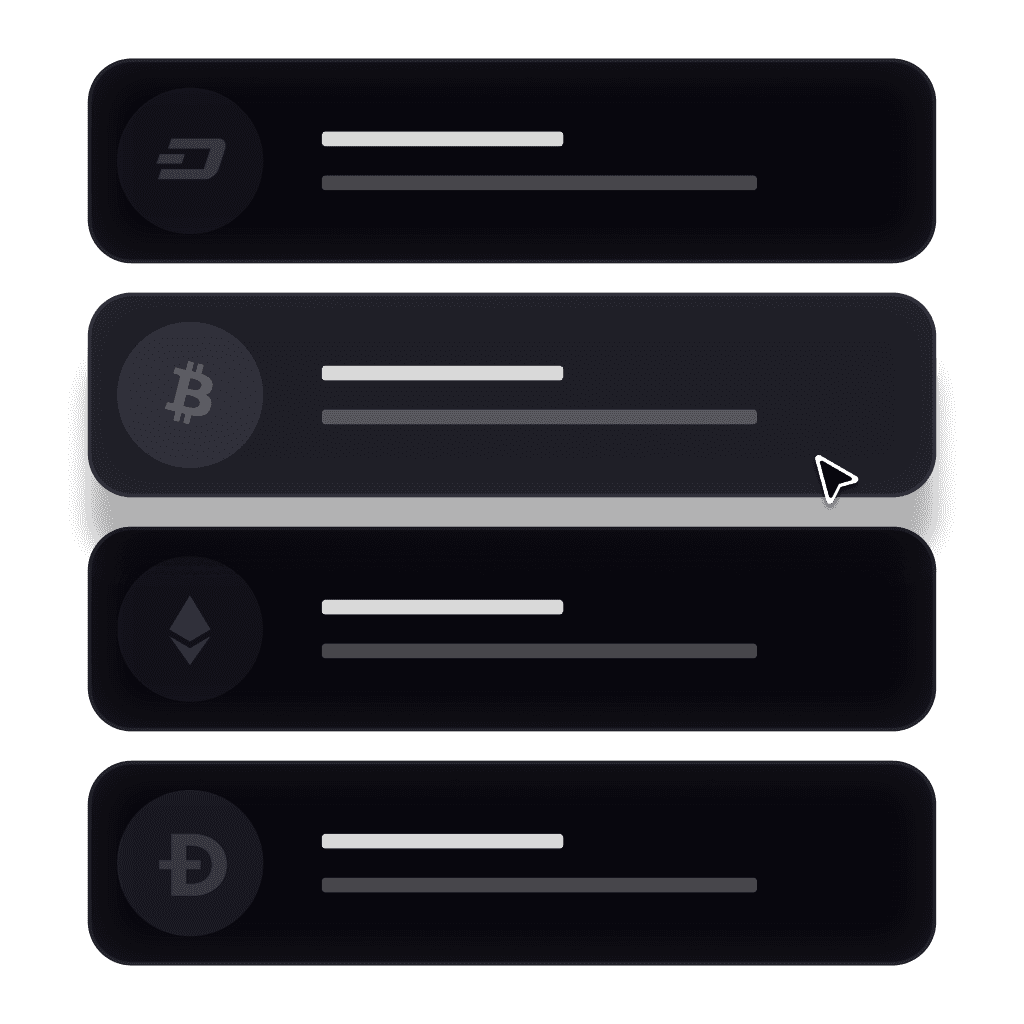
3
Import & Render
Drop in a video or a folder of images. WITH begins reconstructing your 3D scene immediately.
3
Import & Render
Drop in a video or a folder of images. WITH begins reconstructing your 3D scene immediately.
3
Import & Render
Drop in a video or a folder of images. WITH begins reconstructing your 3D scene immediately.
Shot with a phone. Built with
WithVision
Used in Unreal.
Send your output as mesh to Maya, Blender, Unreal, and more. Full pipeline compatibility, no cleanup needed.

What kind of video input does WITH support
Can I export my reconstructed scene into 3D software
Does WITH work for large-scale environments like outdoor sets or city streets?
Can I adjust lighting within the reconstructed scene
What kind of video input does WITH support
Can I export my reconstructed scene into 3D software
Does WITH work for large-scale environments like outdoor sets or city streets?
Can I adjust lighting within the reconstructed scene
What kind of video input does WITH support
Can I export my reconstructed scene into 3D software
Does WITH work for large-scale environments like outdoor sets or city streets?
Can I adjust lighting within the reconstructed scene
Does it track original camera movement from the input video?
How is WITH different from photogrammetry or lidar scanning?
Can I use WITH for previs or virtual production planning?
Is WITH cloud-based or local?
Does it track original camera movement from the input video?
How is WITH different from photogrammetry or lidar scanning?
Can I use WITH for previs or virtual production planning?
Is WITH cloud-based or local?
Does it track original camera movement from the input video?
How is WITH different from photogrammetry or lidar scanning?
Can I use WITH for previs or virtual production planning?
Is WITH cloud-based or local?
Bring
WithVison
Into Your Pipeline
Stay updated on new features, studio case studies, and tips.